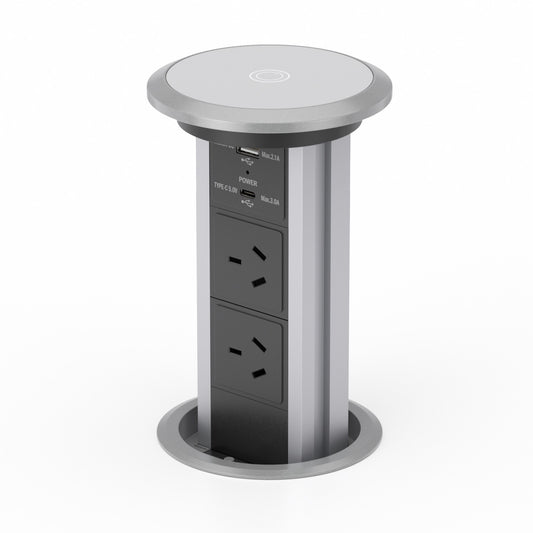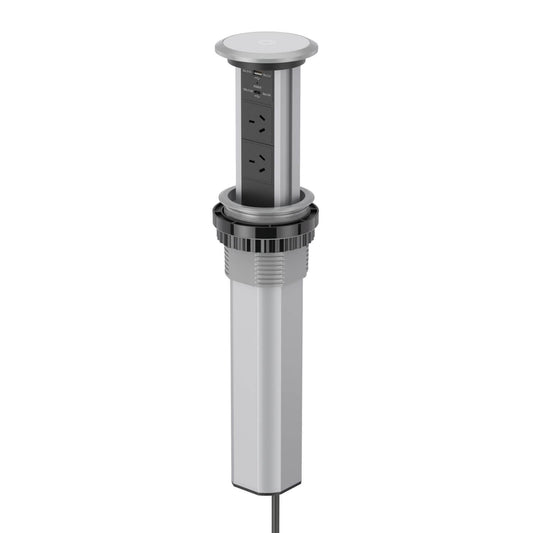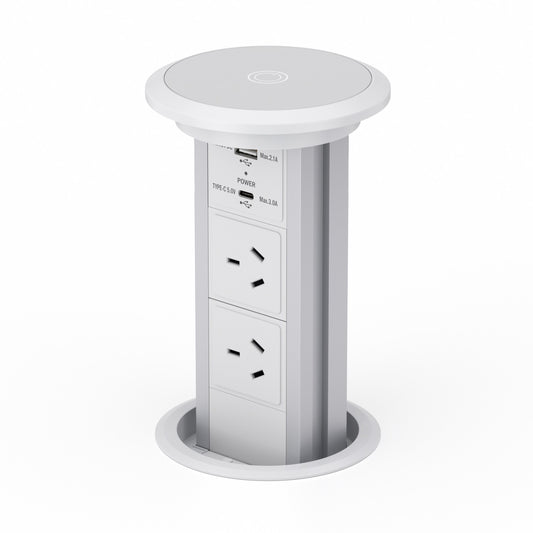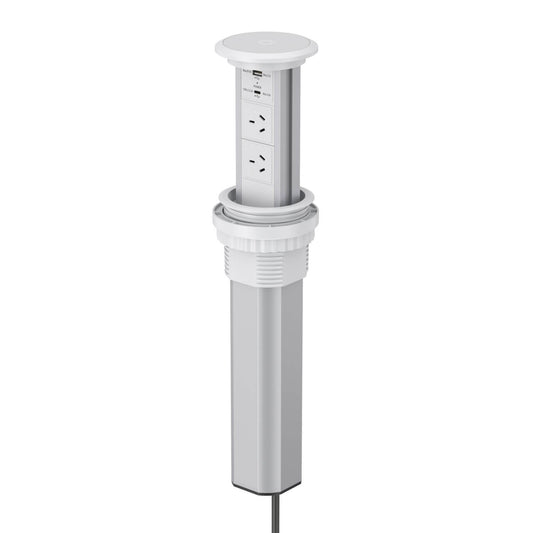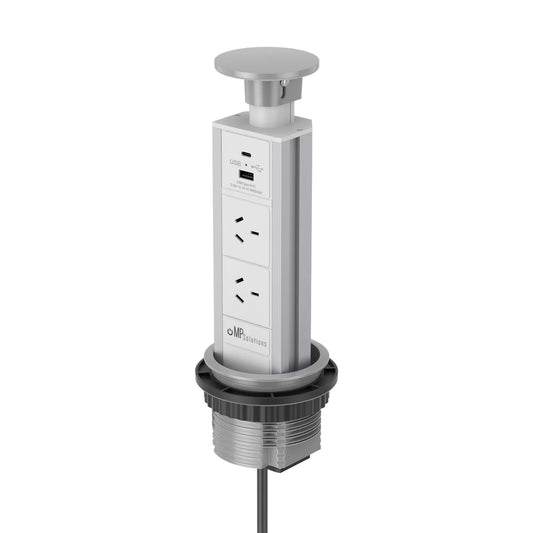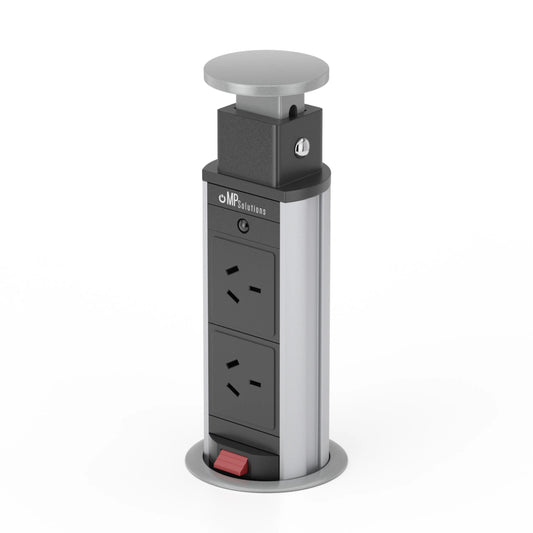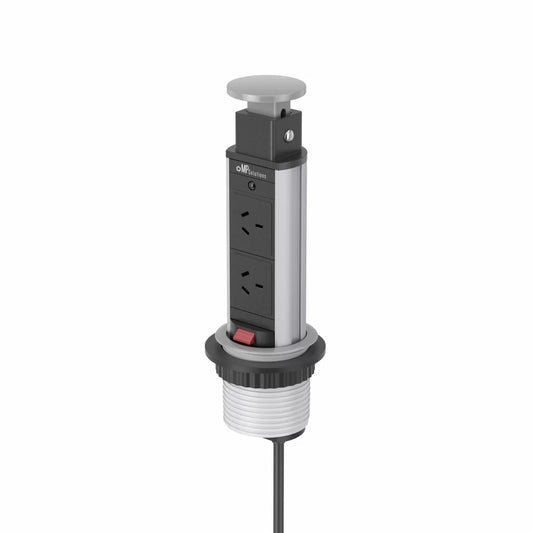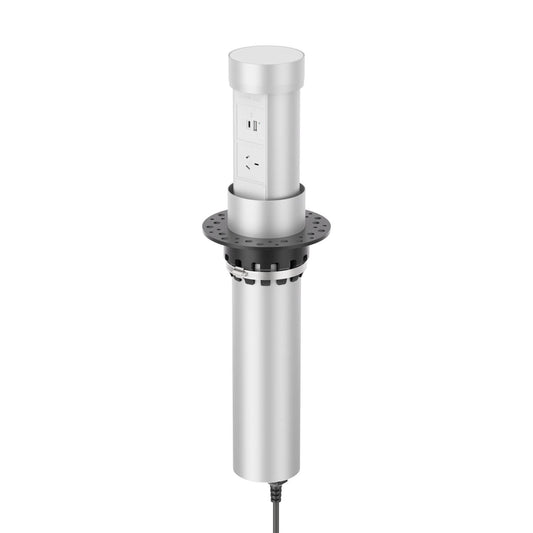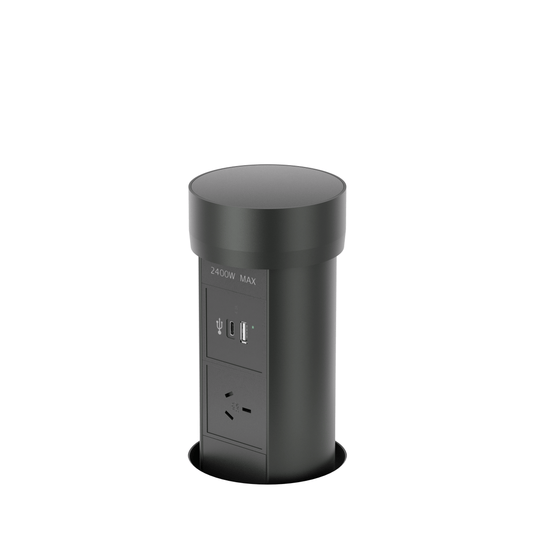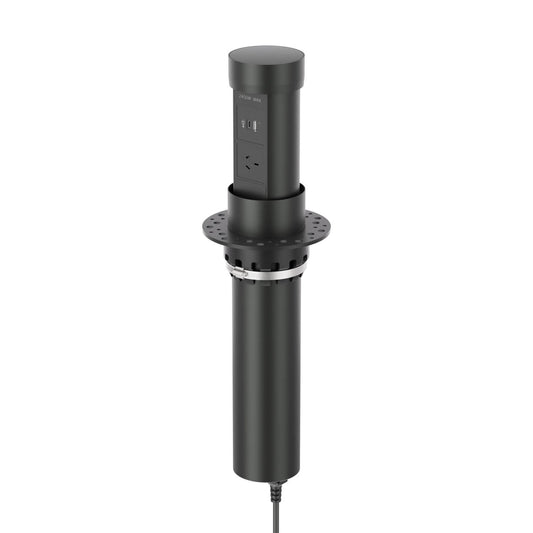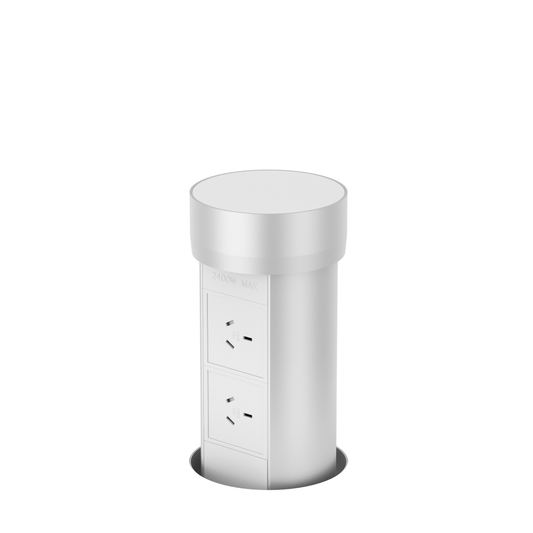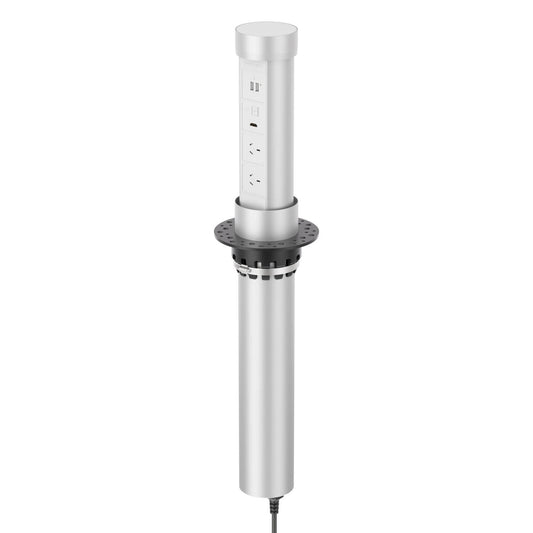
Point Pod Troubleshooting Guide
If your Point Pod is not operating correctly, most issues can be narrowed down with a few simple checks.
This guide covers the most common Point Pod troubleshooting steps, including no power, lifting issues, top cup alignment, USB charging faults, wobbling, and unusual noises.

Common Point Pod issues
The most common Point Pod issues usually fall into a few categories. Start by identifying which symptom best matches what you are seeing.
| No power | The unit may not be receiving power, the outlet below the bench may be switched off, or the circuit may need checking. |
|---|---|
| Unit will not rise | The top cup may need to be reattached correctly, the unit may need to recalibrate, or there may be resistance around the installation area. |
| Unit rises partially | The unit may be binding against the cutout, the top cup may be misaligned, or something below the counter may be restricting movement. |
| USB port not working | This is uncommon, but it may indicate an issue with the charging module. |
| Wobbly unit | A small amount of movement is normal, but a noticeably loose unit may need support review. |
| Rumbling or grinding noise | Unusual noises should be reviewed with a short video so the issue can be assessed properly. |
Start with the simple checks first.
Many Point Pod issues are caused by power supply interruptions, an incorrectly seated top cup, or installation resistance rather than a major internal fault.
What to do if there is no power
If the Point Pod outlets are not supplying power, first confirm the unit is plugged into a working outlet underneath the bench or inside the cabinet.
Test the under-counter outlet with another appliance or charger. Then check:
- Whether the circuit breaker has tripped
- Whether a nearby GFCI outlet needs resetting
- Whether the Point Pod power lead is fully inserted
- Whether any extension leads or adapters are faulty
- Whether the outlet is controlled by a wall switch
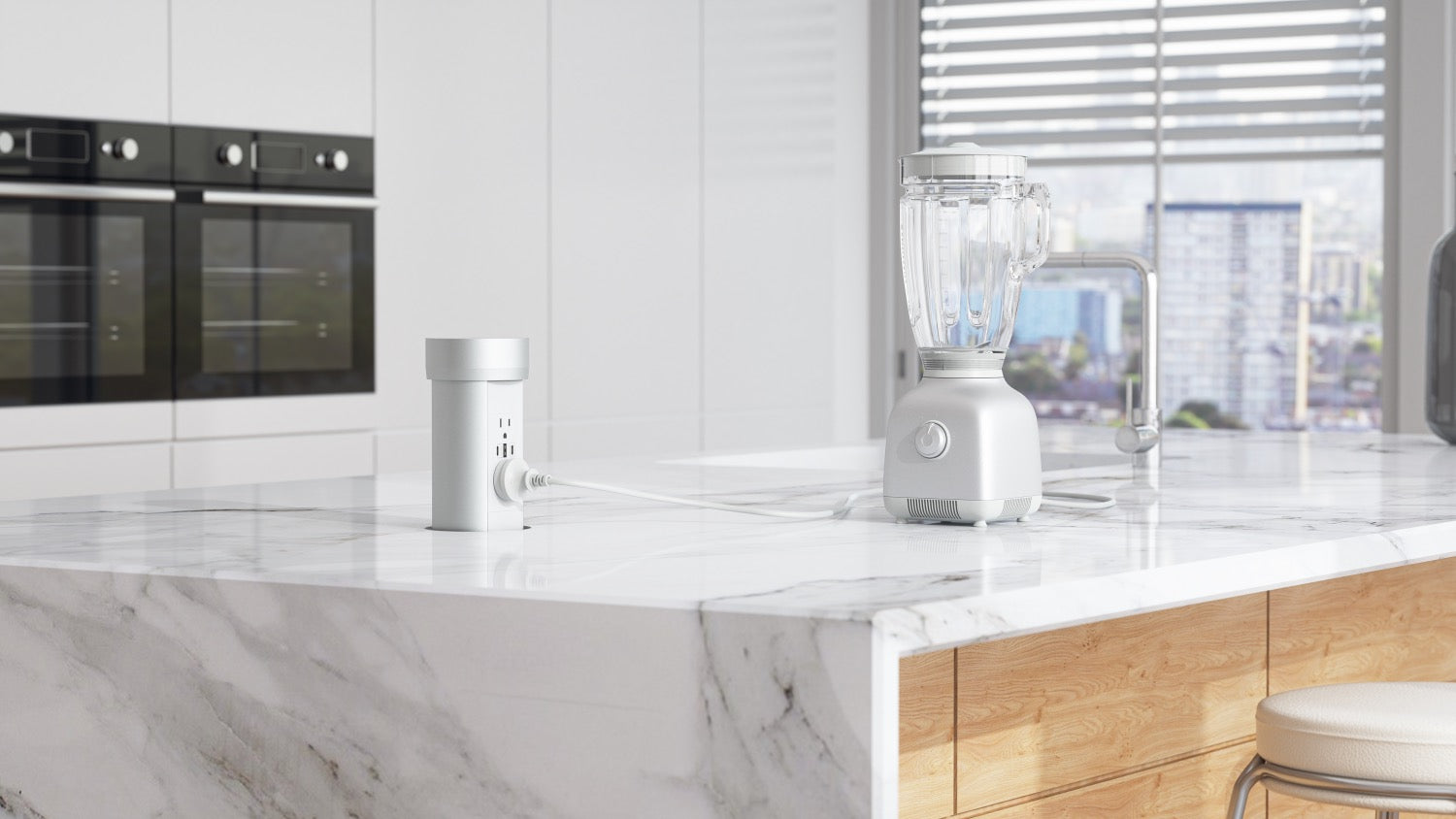
If there is still no power, record a short video before contacting support. Sometimes a video helps identify whether the unit is stuck, making a slight motor noise, or showing signs of an internal power fault.
Why the Point Pod is not rising
If the Point Pod does not lift when pressed, the issue may be related to the top cup, alignment, power supply, or recalibration.
One common cause is the top cup not being reattached correctly. In that case, remove the top cup and reattach it using the instructional video below.
Do not force the Point Pod up or down.
If the unit feels stuck or is meeting resistance, stop using it and check the top cup alignment.
How to reset the unit
If the Point Pod becomes unresponsive, a simple power reset can often restore operation.
To reset the unit:
- Disconnect the Point Pod from power.
- Wait approximately 60 seconds.
- Reconnect the power cable.
- Wait another 30 seconds.
- Test the lift function again.
This helps the unit clear temporary power interruptions and recalibrate before use.
Point Pod top cup levelling alignment
If the top cup is not sitting level, does not retract neatly, or appears uneven in the countertop, the top cup alignment may need adjustment.
This process should be done carefully. Disconnect the Point Pod from power before making any adjustments.
| Step 1 | Disconnect the Point Pod from power. |
|---|---|
| Step 2 | Remove the Point Pod from the countertop. |
| Step 3 | Remove the five screws along the spine of the Point Pod. |
| Step 4 | Gently slide the unit open about 2–3 inches. There is no need to force it. |
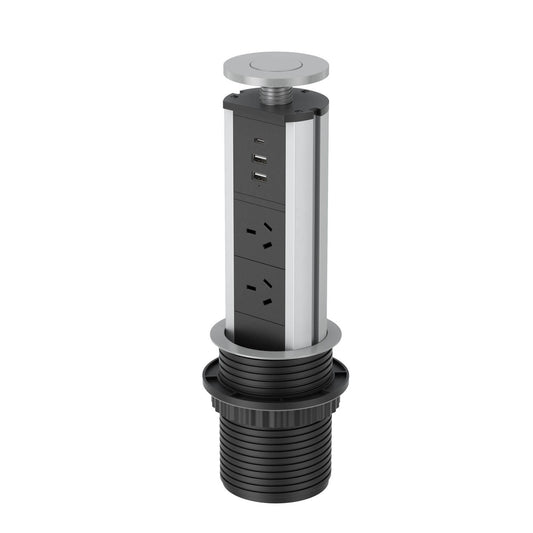
| Step 5 | Locate the adjustment screws under the lip edge of the top cup. There is one at the front and one at the back. |
| Step 6 | Tighten the front screws until they are just firm. Do not overtighten. |
| Step 7 | Tighten the back screw the same way. It should be firm, not overly tight. |
| Step 8 | Slide the unit back together and align the five screw holes in the spine. |
| Step 9 | Reconnect to power, but do not reinstall the unit yet. |
| Step 10 | Wait 30 seconds for the unit to recalibrate. |
| Step 11 | Test the Point Pod by pressing the top. If everything works correctly, reinstall it into the countertop. |
The adjustment screws only need to be firm.
Overtightening can affect the top cup alignment and may cause the unit to bind during operation.
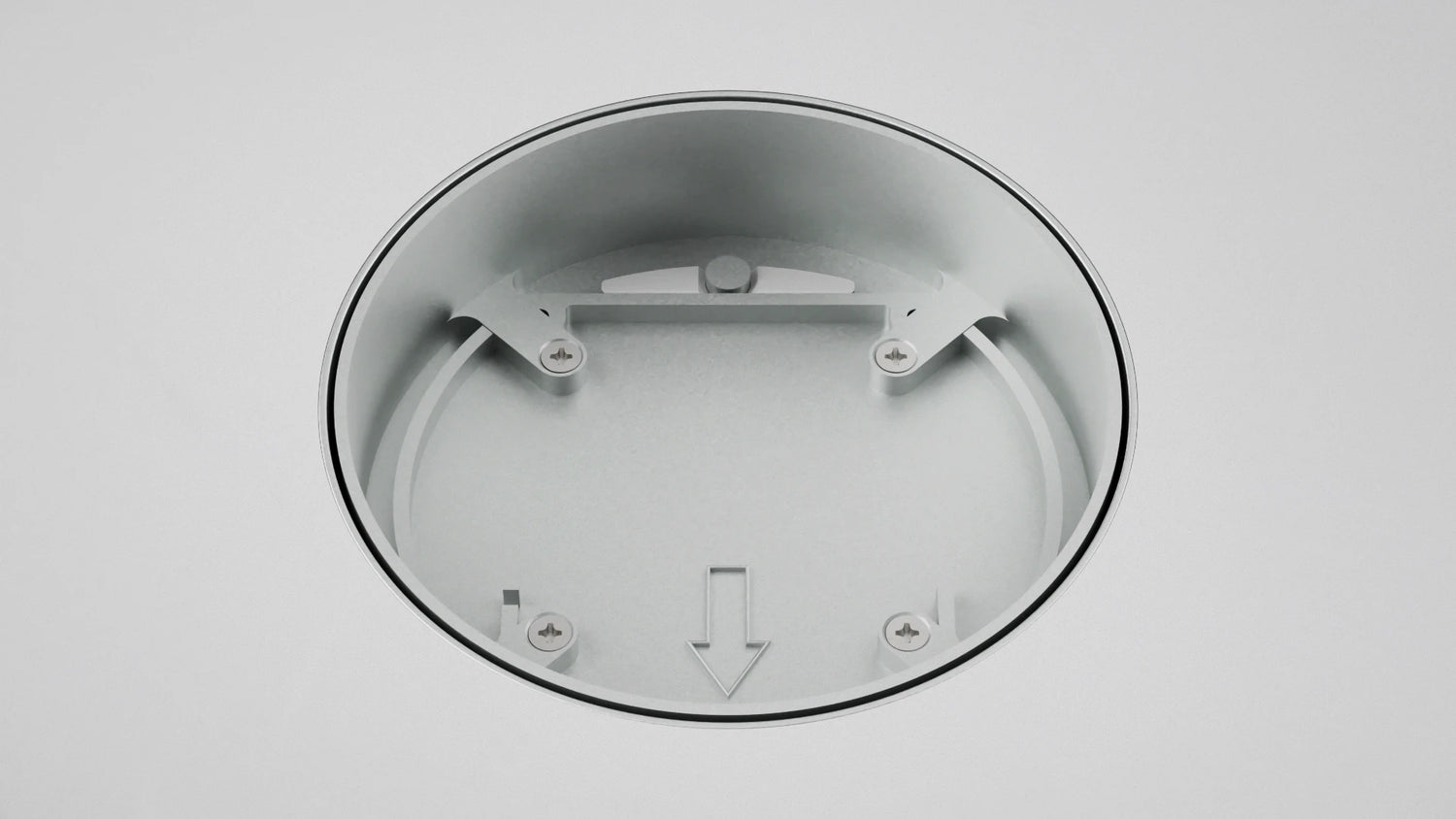
Noise, USB, and wobble issues
Some issues are less common, but they are still worth understanding before contacting support.
| Rumbling or grinding noise | If the unit is making a rumbling or grinding noise, record a video first. In many cases, Modern Power Solutions will request the unit back at the Dallas workshop so it can be inspected and repaired properly. |
|---|---|
| USB port not working | USB and USB-C charging faults are not common. If a USB port is not working, the unit may need to be returned so the charging module can be replaced. |
| Wobbly unit | Some movement is normal. The Point Pod needs a small amount of movement so it does not bind during operation, and there are also manufacturing tolerances. If one unit is noticeably different from another, support may request a video and may offer to try a different guide ring to make the unit more rigid. |
| No power after basic checks | If basic power checks do not solve the issue, record a video. It may reveal a slight motor noise, a stuck mechanism, or signs of an internal fault. |
Video footage helps support diagnose the issue faster.
When possible, record a short clip showing the unit, the top cup, any movement, and any sound the Point Pod makes when you press it.
Installation checks
Correct installation plays a major role in long-term reliability.
For Point Pod installations, check the following before assuming the unit is faulty:
| Hole size | Standard Point Pod installations require a 4-inch hole. |
|---|---|
| Cutout clearance | The unit should not bind against the countertop cutout while rising or retracting. |
| Countertop thickness | The insert and countertop material should remain within specification. |
| Under-bench access | The motor housing and cables need enough room below the surface. |
| Dry installation area | Avoid excessive moisture exposure below the bench where possible. |
Maintenance and cleaning tips
Keeping the Point Pod clean helps maintain smooth operation and protects the finish over time.
For best results:
- Use a soft microfiber cloth for cleaning
- Avoid abrasive cleaners or harsh chemicals
- Keep liquids from pooling around the top opening
- Remove crumbs or debris from around the lift mechanism
- Periodically inspect cables underneath the bench
- Do not force the unit manually if it is stuck
If the unit resists movement, stop and inspect it.
Forcing the Point Pod can make a small alignment or obstruction issue worse.
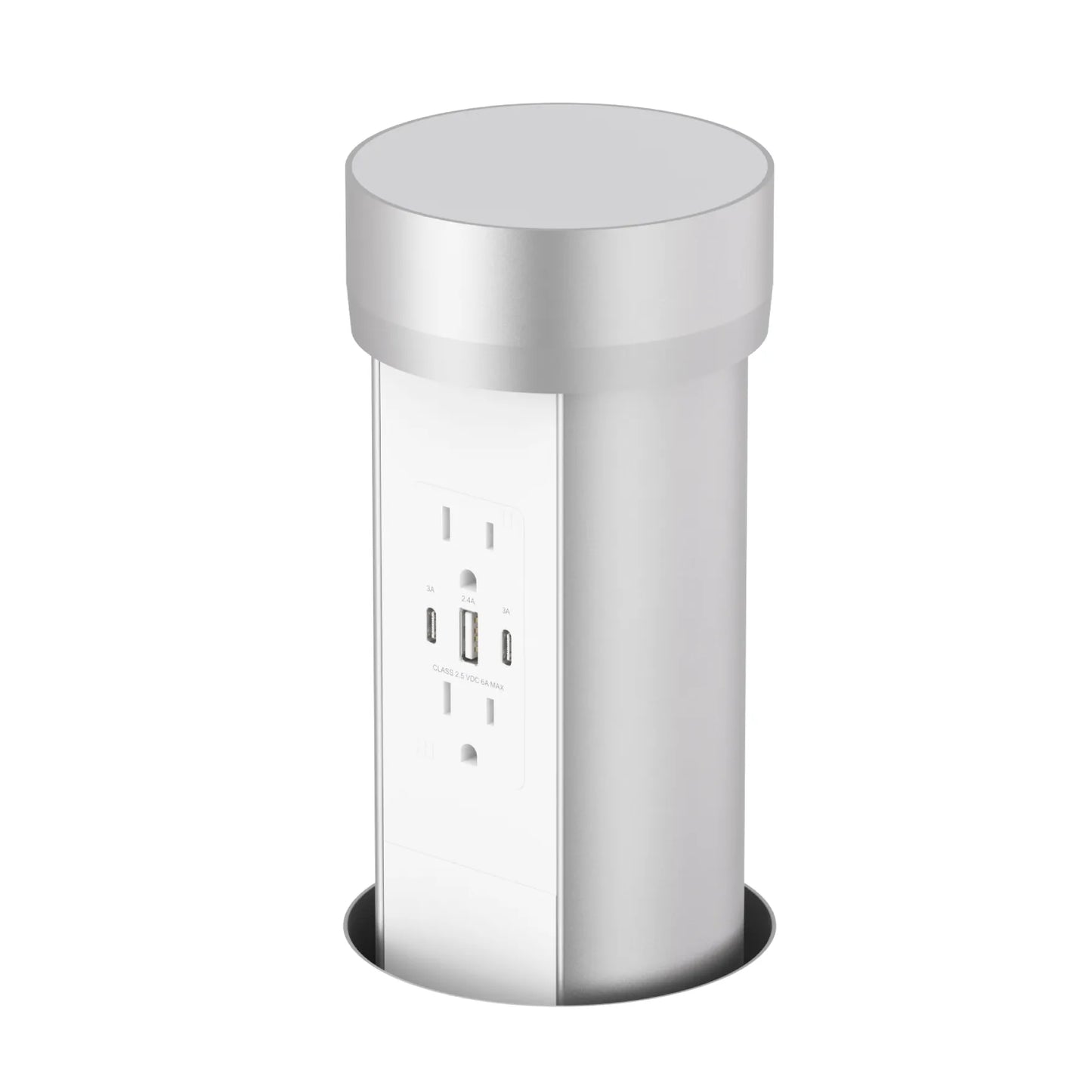
Related products
When to contact support
If the Point Pod still does not operate correctly after these checks, contact Modern Power Solutions support before continuing to use the unit.
When contacting support, include:
- Your order number, if available
- A short description of the issue
- A video showing the unit operating
- A photo of the installation area
- A photo or video of the under-counter space
These details help the support team work out whether the issue is related to power, installation, alignment, movement, or an internal component.
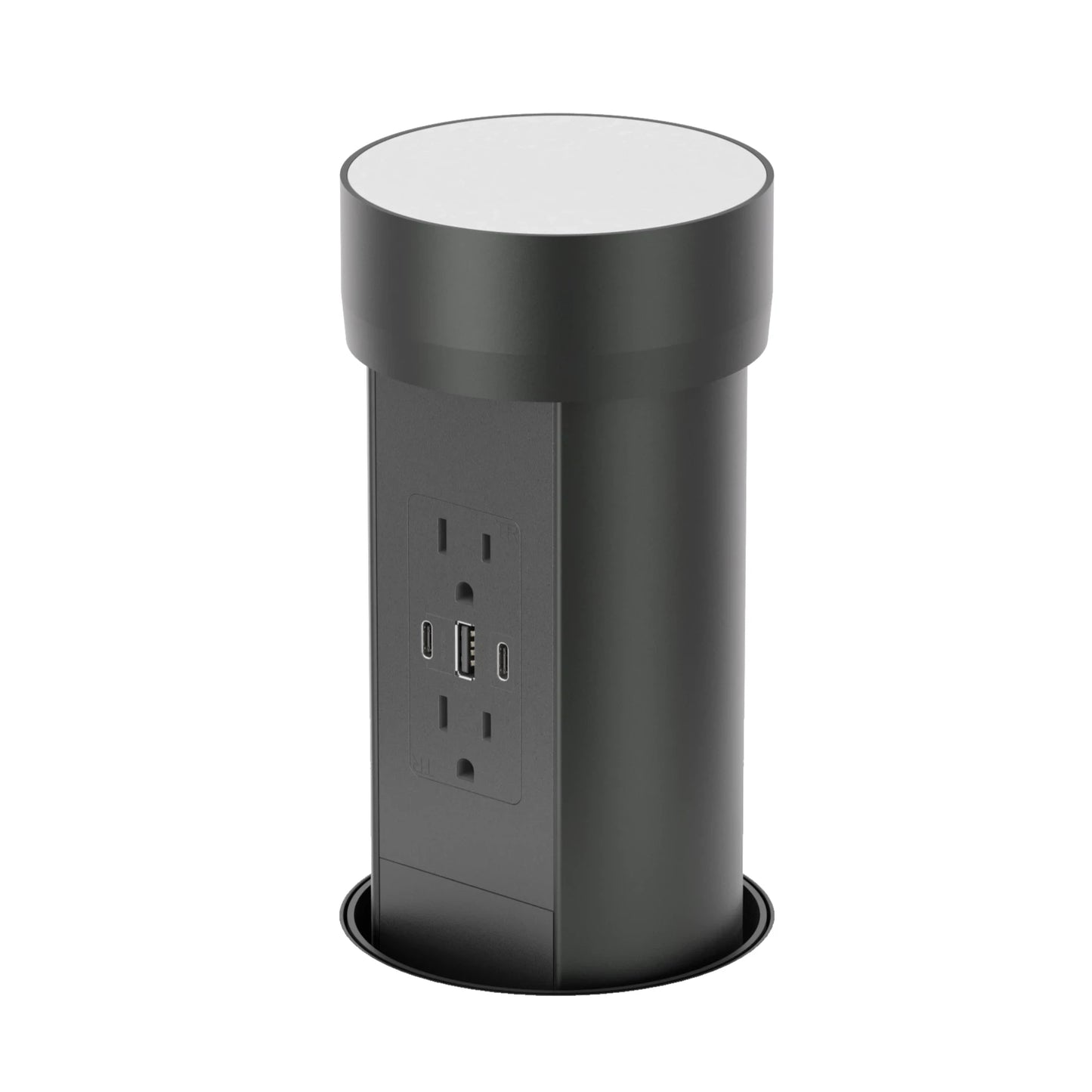
For replacement products or installation accessories, browse the Point Pod collection.